
Appearance
Leagues
Leagues runs seasons of league play from registration to the final standings.
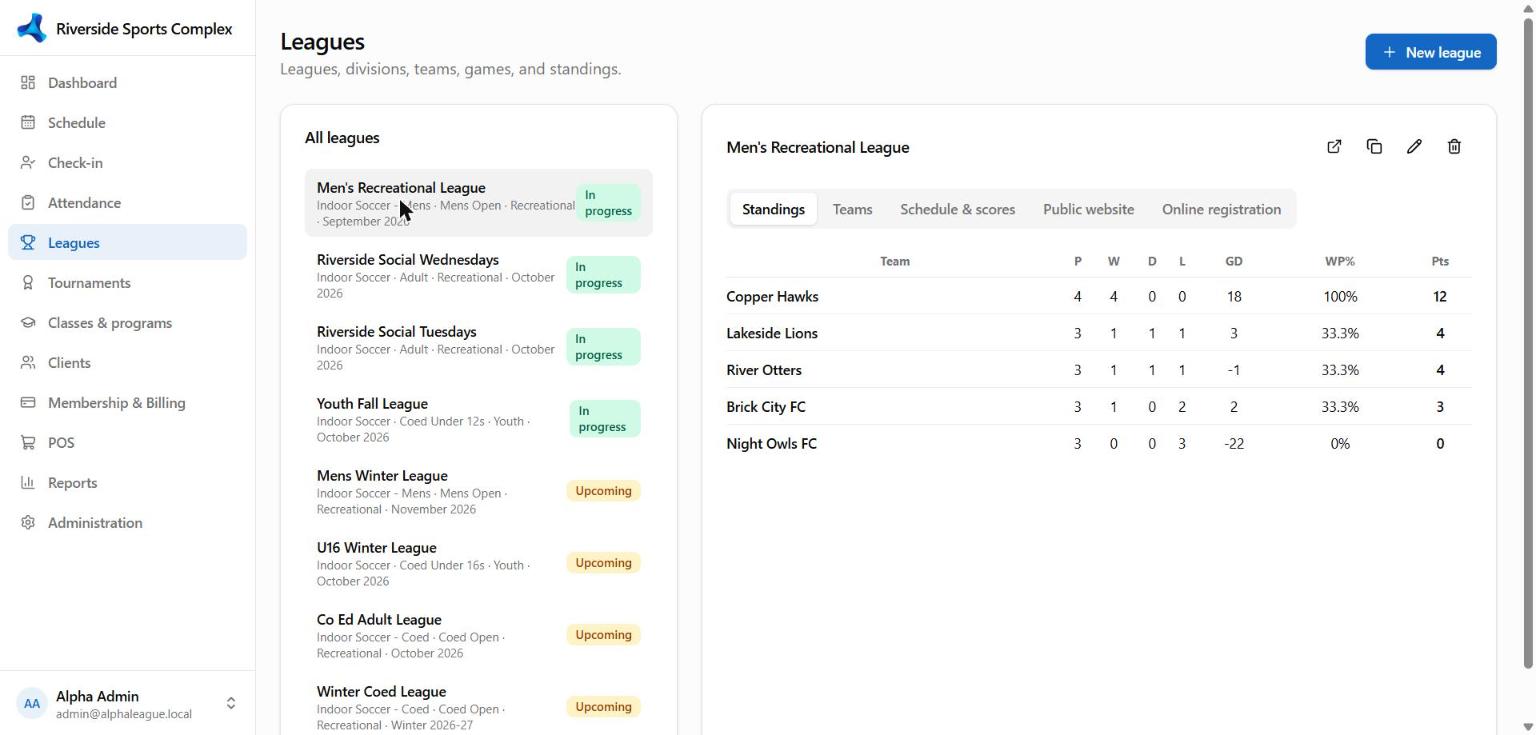
Set up a league
- Season — name and dates (e.g. Fall 2026).
- League — sport, season, divisions (e.g. Men's Open, Coed), fees per team or player, and what's public (schedule, standings, rosters).
- Teams — add teams or let captains register online. Each team gets a team code that players use to join the team from the portal.
- Schedule — the generator builds a round-robin schedule (rounds, fields, game length); each game books its field on the schedule automatically. For knockout events use Tournaments.
During the season
- Scores — enter final scores (and player stats, if the sport has stat fields); standings update immediately using the sport's rules (points per win/draw/loss and tiebreakers, set under Administration → Resources → Sports).
- Rosters — add or move players, check waivers and age limits.
- Public pages — players and parents follow the schedule and standings at
/public/leagues, or on your own website through an embed. - Emails — game reminders and schedule changes go to rostered players when alerts are on.
Registration fees
Team or player fees create invoices automatically; captains and players pay online in the portal, or at the desk.