
Appearance
Clients
Clients lists everyone you serve — players, parents, members, renters.
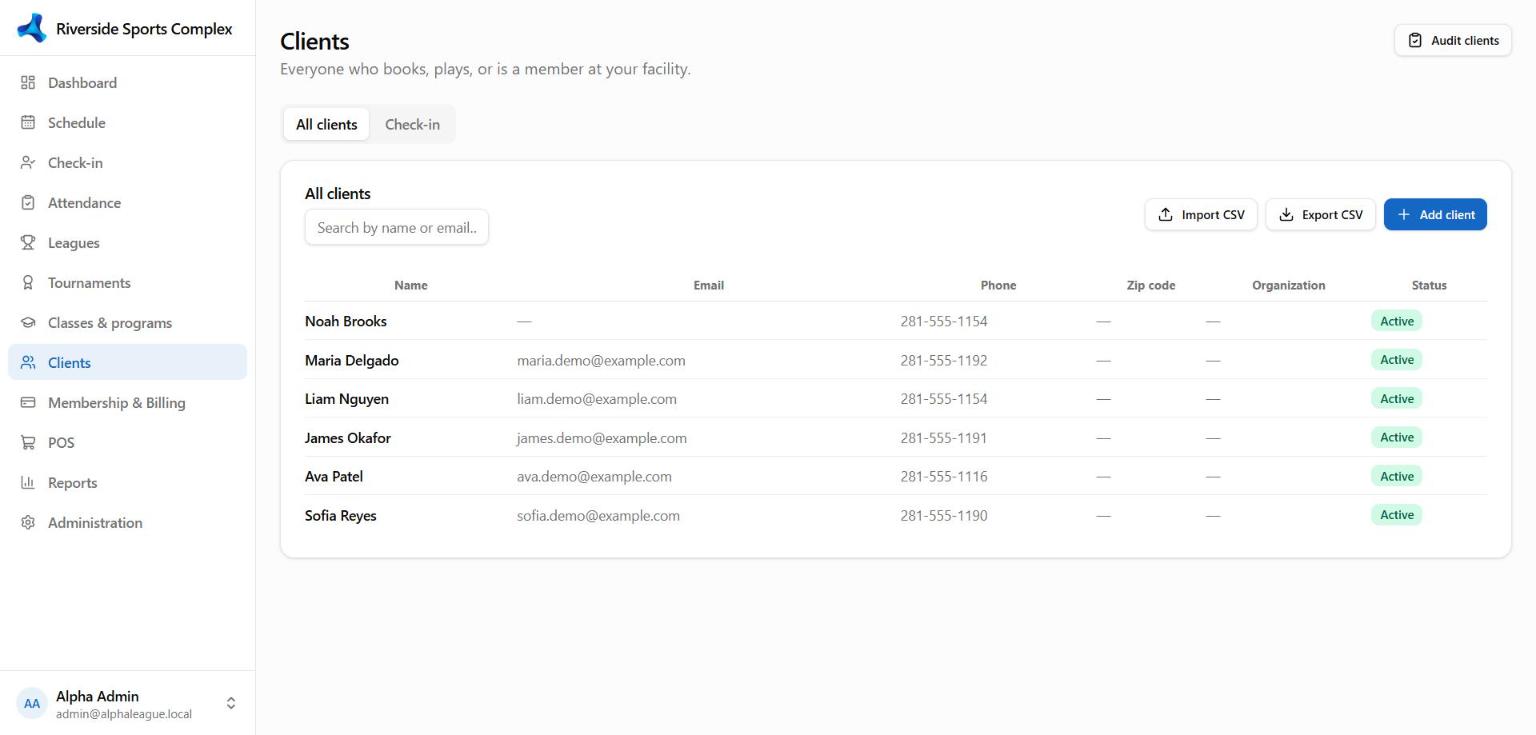
Add or import clients
- Add client — name, email, phone, address, date of birth, emergency contact, notes. Required fields are set by your facility.
- Import CSV — upload a spreadsheet; columns are matched automatically and you see a preview before importing.
- Audit clients — finds likely duplicates (same email, phone or name) so you can merge them.
A client's profile
| Tab | What's there |
|---|---|
| Profile | Contact details, photo, tags, sport interests, marketing and text-message consent |
| Memberships & credit | Memberships (renew, freeze, cancel), packages and visits left, account credit |
| Activity | Bookings, check-ins, invoices and payments over time |
| Documents | Signed waivers and forms; send a document to sign |
| Relationships | Family links (parent, child, spouse) and who may see or act for whom in the portal |
| Assessments | Skill assessments recorded by coaches |
Invite to self-service
On a client's profile choose Invite to self-service: they get an email to set a password and see their own bookings, invoices and teams. To invite many at once, use Administration → Self service & website → Self-service settings → Invite clients (everyone with an email and no login yet). If an invite can't be sent, you see why and an error reference.
Privacy
From a client's profile you can Export data (everything held about them) or Anonymize them (right to be forgotten) on request, and merge duplicates.