
Appearance
Your home page
After signing in you see the facility's welcome message and, at a glance:
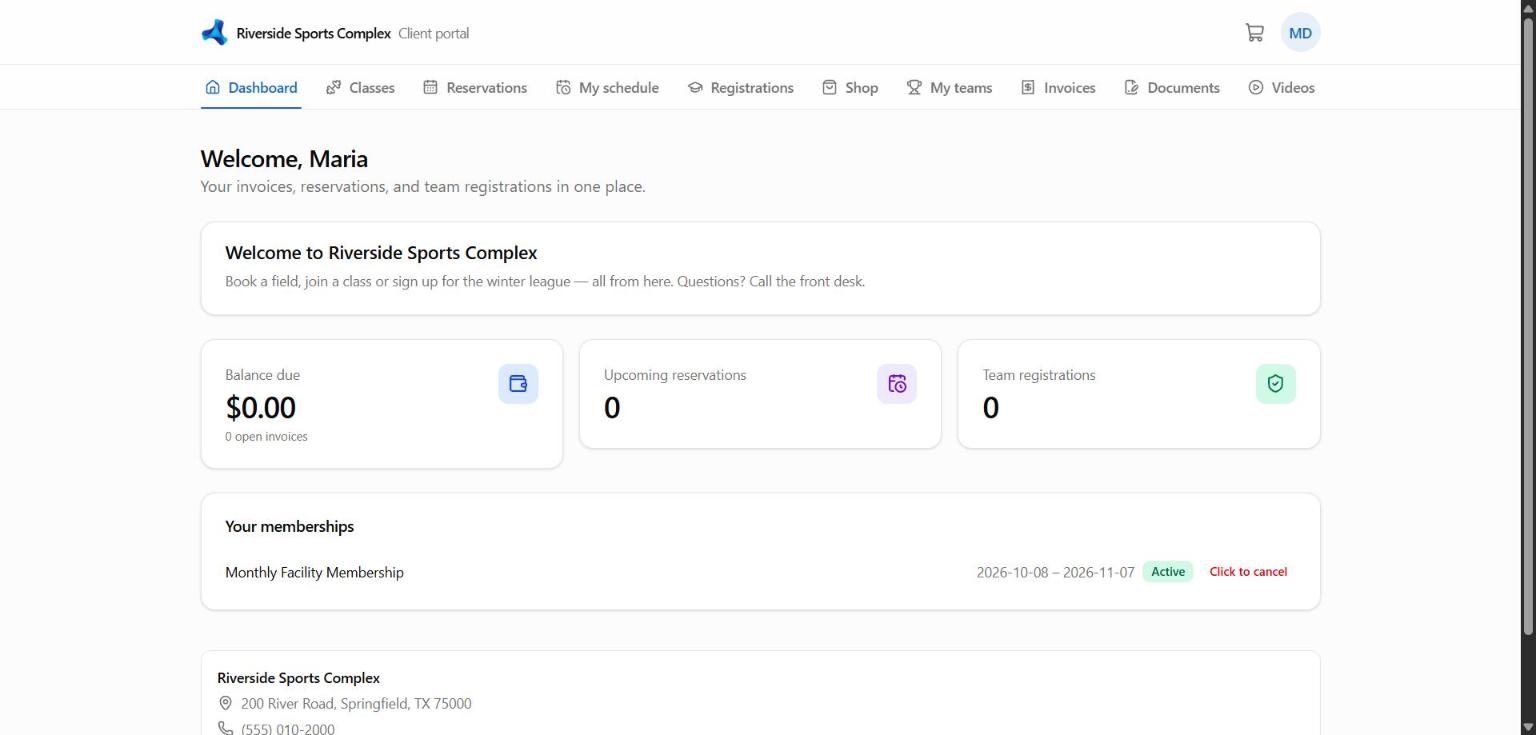
- Coming up — your next bookings, classes and games
- Amount due — open invoices with a Pay button
- Memberships and packages — what's active, when it renews, visits left
- To do — documents waiting for your signature
The menu (top on a computer, ☰ on a phone) shows the pages your facility offers: Book, Programs, Shop, Cart, Invoices, Teams, Registrations, Documents, Schedule, Videos and Profile.
Acting for a family member
If you manage family members, choose whose account you're working in with Viewing as at the top. Bookings, purchases and payments then go to that person.