
Appearance
Creating your account
There are two ways in.
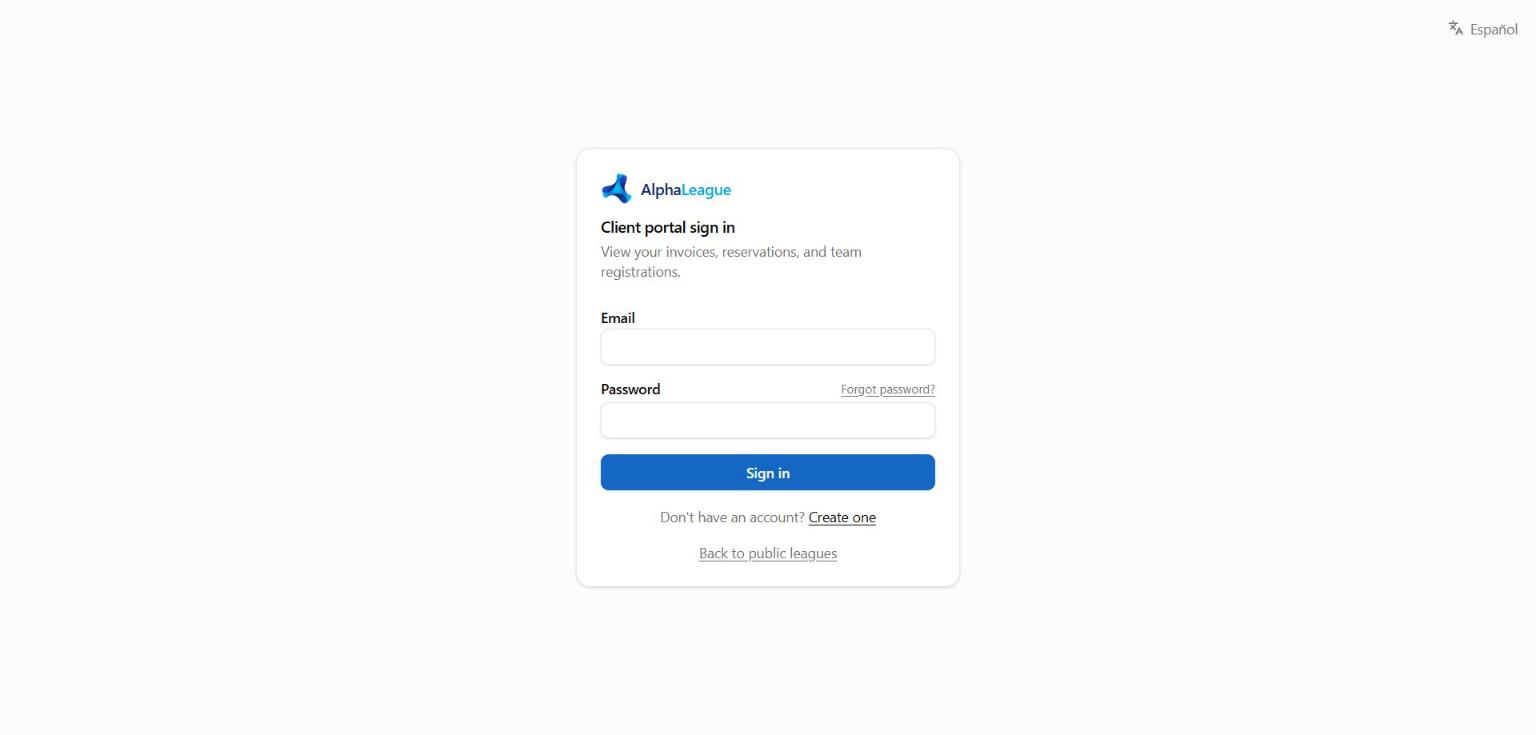
You received an invitation email
- Open the invitation email from your facility and choose the link (it works once, for 7 days).
- Choose a password. Your account is linked to the details the facility already has for you.
- You're signed in. Next time, sign in with your email and that password.
You sign up yourself
- On the portal sign-in page choose the link to create an account (if the facility allows sign-up — otherwise ask for an invitation).
- Enter your name, email and a password, and accept the terms.
- Check your inbox for "Confirm your email address" and choose the link.
- Complete your profile if the facility asks for more details (phone, address, emergency contact…).
Already a client of the facility?
If you've been there before, ask for an invitation instead — it links your login to your existing bookings, invoices and teams.
Forgot your password?
On the sign-in page choose Forgot password?, enter your email, and follow the link that arrives. Check your spam folder if nothing comes within a few minutes.